
Forgotten Worlds Controls
Move, look, emote. There is no rotary aim and no fly bind.
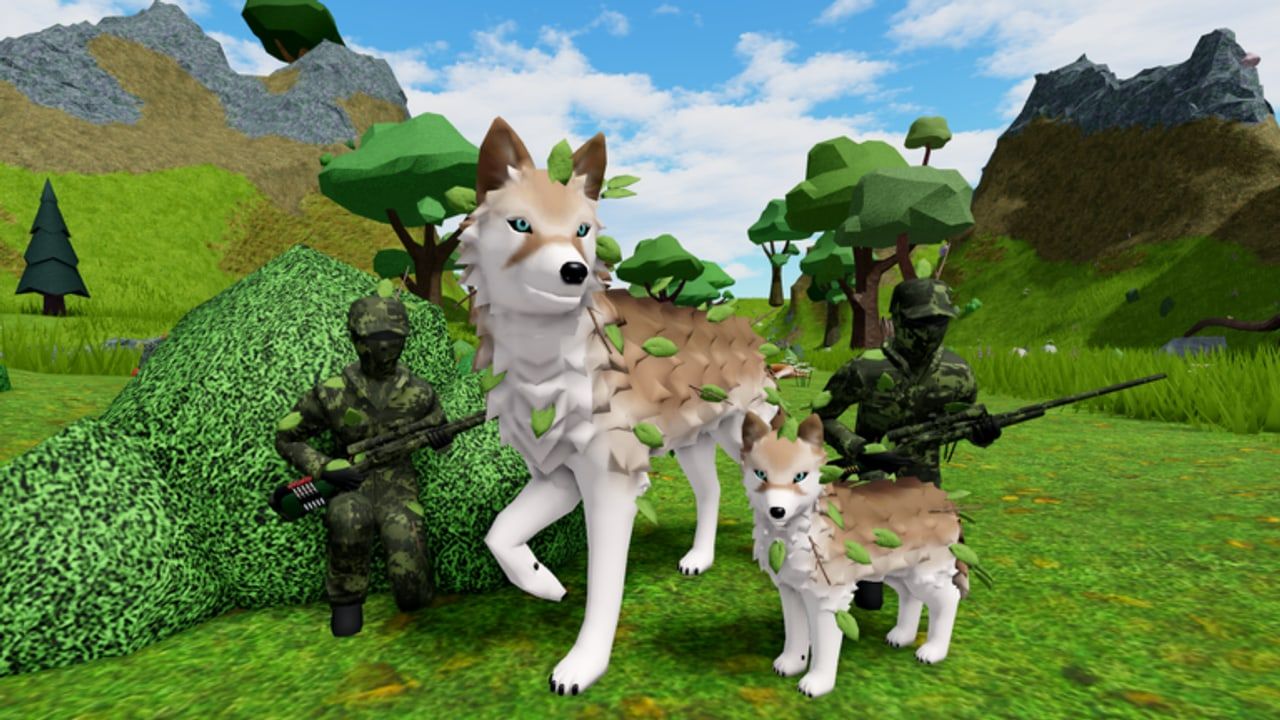
Forgotten Worlds uses a standard Roblox character controller underneath a four-legged mesh. If you played Horse World or any other Virtuality World morph game, you already know 90% of the binds. The remaining 10% is camera height, emote panels, and not installing a fly GUI because WASD felt slow.
This page is the mechanical companion to getting started and the wolf guide. Hunters should still read it: rifles do not replace camera skills.
Keyboard and mouse
- WASD — walk. Shift sprint if the humanoid allows it; some morphs feel heavier than a default avatar.
- Space — jump. Wolves are not great climbers. If a Halloween digit is on a beam, jump on furniture rather than expecting a parkour game.
- Mouse — orbit camera. Raise the camera above the spine or you will stare into fur.
- Right mouse / camera mode — useful in dens so you can look at a pack mate without spinning the body.
- Chat Enter — your actual social tool. Voice chat is not supported on this experience.
- Emote panel — sit, side-sit, eat, drink, sleep, growl, and extras added in the model refresh. There is no single universal key; click the in-experience emote UI.
If an emote fails, you are probably mid-air, in water, or in a morph that never received the new animations. Swap to a current adult and try again.
Gamepad
Roblox default: left stick move, right stick camera, A jump, face buttons mapped through the Roblox emote wheel if you bound one. Morph games feel better with a slightly lower camera sensitivity so small stick noise does not swing the snout.
Mobile
Thumbstick left, jump right, pinch to zoom. Wolf morphs clip the default zoom; pinch out until you can see the paws. Tap the emote GUI rather than hoping for a gesture. If the GUI hides a Halloween digit, rotate the camera first, do not assume the clue is missing. The crypt helper is written with that problem in mind.
What is not a control
Fly. Winged Solar morphs cannot fly. There is no F-to-fly bind. Scripts that add one violate Roblox rules and usually wreck the rig. Scripts.
Aim rotary. This is not Capcom’s 1988 arcade Forgotten Worlds. You are not spinning a gun around a jetpack soldier. If you landed on this wiki from that shooter, you want a different site. This one is the Roblox wolf forest.
Code key. There is no B to open codes. Halloween uses a world keypad. How to redeem.
Noclip. Walking through the group wall is a designed door after you join Virtuality World, not a clip. If you noclip the mall you will miss the actual Fire Wolf trigger.
Quality-of-life
- Graphics slider down on busy 28-player servers if grass eats your frame rate.
- Lock mouse on PC when taking screenshots so a bump does not ruin a sleep scene.
- Shift-lock is optional. Some wolf players hate it because the body snaps; try both.
- If the morph is stuck T-posing, re-equip from the catalog. Do not download a “fix” executor.
Master the camera and emotes and the forest feels huge. Ignore them and you will stare at a neck. Then go back to roleplay on the guides hub.
Frequently Asked Questions
Quick answers for wolves, trappers, and crypt hunters.
How do I sit or sleep as a wolf?
Use the in-game emote panel. There is no default Roblox /sit that looks correct on these morphs.
Can I fly with winged wolves?
No. Howling Heart Solar says winged wolves cannot fly. There is no fly key.
Does Forgotten Worlds support voice chat?
No. The experience listing marks voice chat as not supported. Use text and emotes.
Why is my camera inside the wolf?
Zoom out and raise the camera. Morphs are longer than a default avatar.